What Is the Best PDA Barcode Scanner in 2026?
Choosing the best Pda Barcode Scanner in 2026 depends less on a single headline specification and more on the work it must handle. A warehouse worker scanning cartons all day needs different tools from a shop employee checking shelf labels or a delivery driver confirming parcels outdoors. Scan speed matters, but so do grip comfort, screen visibility, battery life, and the time required to reconnect after a network interruption. Small details matter.
This guide compares the features that can make a PDA scanner useful in everyday operations: support for common barcode types, operating-system updates, wireless connectivity, drop protection, and compatibility with existing inventory software. It also considers practical trade-offs. A brighter screen may help in sunlight, while a larger device can feel tiring during a long shift. A rugged housing may protect against routine bumps, but it does not guarantee suitability for every harsh environment. Check the manufacturer’s specifications and service terms before buying.
There is no perfect pick. That is not enough. A reliable comparison should match a device’s documented capabilities to your actual workflow, not rely on broad claims or impressive-looking numbers alone. We will outline what to assess, which features deserve priority, and where lower-cost models may involve compromises. Some needs are easy to measure; comfort is less so. If possible, test the scanner with your labels, software, and daily tasks before making a final decision.
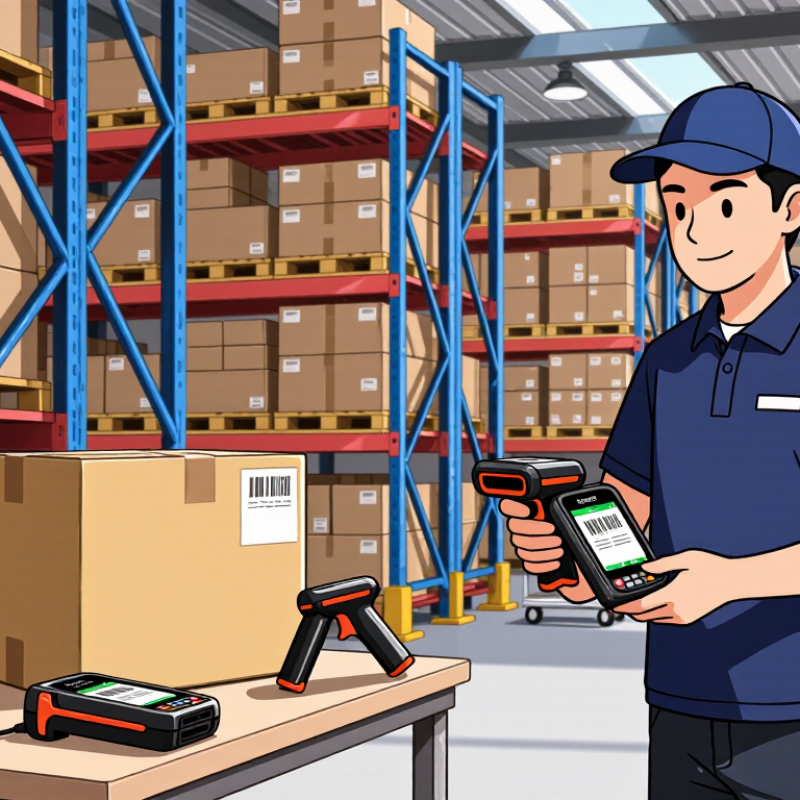
What a PDA Barcode Scanner Is and How It Works
What Is the Best PDA Barcode Scanner in 2026?
What a PDA Barcode Scanner Is and How It Works
A PDA barcode scanner is a handheld computer with a built-in scanning engine. It reads a barcode, decodes its pattern, and links the result to a work task. Unlike a simple reader, it can display item details, record quantities, and send updates to inventory software over Wi-Fi or cellular networks. The worker gets confirmation on screen, often with a beep or vibration.
GS1 estimates that its barcode standards support more than six billion scans each day worldwide. That scale explains why reliable scanning matters across receiving, picking, and stock checks. In a receiving area, a worker might scan a carton label, compare the screen with the purchase order, then place the carton on a marked shelf. That matters. But the device alone does not guarantee accurate records. A scratched label, weak signal, or rushed tap can still create a mismatch. Test scanners with gloves, dim aisles, and curved packaging; real warehouse conditions can expose flaws that a clean demo misses.
What Is a PDA Barcode Scanner? How It Works
A PDA barcode scanner combines a handheld computer with a barcode reader. This chart shows the typical sequence for an imaging-based scan; the numbers indicate step order, not measured time or performance.
The reader captures a barcode image and decodes it. The PDA app then uses the decoded data, which can be stored locally or sent to another system over a network.
Core Features That Shape Scanner Performance
A PDA barcode scanner performs well when its core features match the workday, not just the product sheet. The scan engine should read common 1D and 2D codes quickly, including labels that are slightly faded or printed on curved packaging. Lighting matters. A bright screen helps staff confirm each item in a dim stockroom, while physical keys can be easier to use with gloves. Check the processor and memory too; slow inventory apps can make a capable scanner feel frustrating. Battery life should cover a full shift, with room for heavy scanning and wireless use. A drop rating is useful, but it cannot prevent every damaged screen or loose connector.
Tips: Test the device with your actual labels before choosing. Try a scuffed code, a small barcode, and a scan from arm’s length. Check how easily workers can replace the battery and clean the screen. Small details count.
Comfort deserves equal attention. A scanner that feels balanced after ten minutes may become tiring after several hours. Compare grip shape, trigger position, and weight with the device loaded into its case. Also confirm that Wi-Fi and Bluetooth stay reliable across the areas where staff work. Specifications can look reassuring, yet real workflows often expose a weak connection or awkward menu. That part is easy to overlook.
How to Compare PDA Scanners for Different Work Environments
A PDA barcode scanner should fit the work, not just look impressive on a specification sheet. In a warehouse, workers may scan labels from waist height, reach above shoulder level, and move between aisles all day. A comfortable grip, responsive trigger, and readable screen can matter more than extra features. Test scanning at the distances your team actually uses. A scanner that reads a clean label quickly may struggle with a wrinkled carton or a screen glare patch near a loading bay.
Conditions change the comparison. For cold storage, check the operating-temperature range and whether the display responds with gloves. On a busy picking shift, compare battery life against a full shift, not a brief demonstration. Dusty floors and frequent drops call for a suitable durability rating, but confirm what the rating covers. Numbers can be misleading. I would also watch how easily staff enter quantities or correct a missed scan; awkward menus slow a task repeated hundreds of times. There is no perfect device, and a tidy test bench can hide real problems. Let several workers try the finalists during normal tasks, then note scan errors, fatigue, and setup time.
Leading PDA Barcode Scanner Types to Consider in 2026
A PDA barcode scanner should match the way work moves, not just the barcode on the box. A rugged handheld with an integrated 2D imager suits receiving, cycle counts, and mixed barcode formats. For fast picking, a pistol grip can reduce repeated finger movements, though it adds bulk in tight aisles. Wearable ring scanners pair with a PDA for hands-free tasks. Long-range models help read labels on high shelves. There is no perfect pick.
MHI’s 2024 Annual Industry Report found that 55% of respondents planned to increase supply-chain technology investment. That points to growing interest in connected workflows, but it does not mean every site needs the most advanced scanner. Check scan distance, glove use, battery life, Wi-Fi coverage, and device weight. A bright touchscreen may look useful in a demo; glare and cold-room gloves can tell a different story. Test real labels, not just clean samples.
Tips: Run a short pilot on one shift. Track missed scans, charging interruptions, and hand fatigue. Ask operators what slows them down; their answers may challenge the purchasing checklist.
A Step-by-Step Method for Choosing the Best PDA Scanner
Choosing the best PDA barcode scanner in 2026 starts with the work it must handle. Write down the barcode types, daily scan volume, operating environment, and software requirements. Include the awkward cases: glossy labels, damaged codes, and scans taken from a ladder. These details often matter more than a long feature list.
Take two or three shortlisted devices to the actual work area. Scan a mix of near and distant labels under bright and dim lighting, then record failed reads and retry time. Test the keypad with gloves, the screen in direct light, and one-handed use during a normal shift. Small details matter. A scanner that reads quickly but strains the wrist may slow a team by the end of the day.
Check battery life across a full shift, charging options, wireless coverage, and compatibility with your inventory software. Ask about repair turnaround, replacement batteries, and security updates, and verify claims with written specifications or a hands-on trial. Compare total ownership costs, not just purchase prices. No scorecard is perfect; I would give extra weight to failures observed on the floor, since a short demo can miss them. Choose the device that performs reliably in your workflow, even if it lacks a few impressive extras.